
ClickDesigns Review
The point-and-click tool I use for box shots, covers and device mockups when I don't want to open Photoshop.
Last updated
Watch My ClickDesigns Review

What is ClickDesigns?
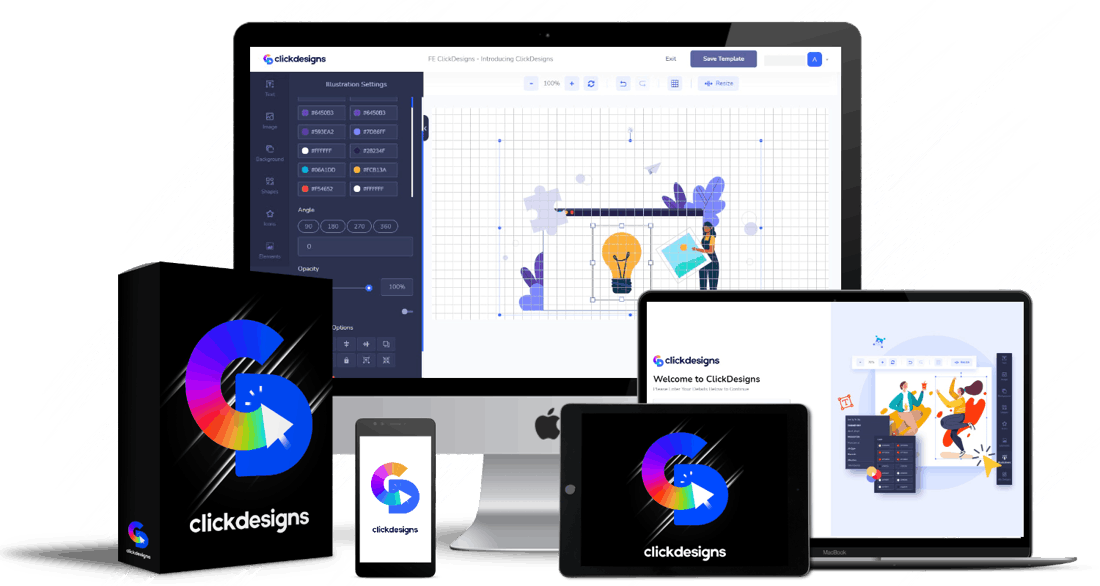
ClickDesigns is a point-and-click graphics tool for the images that sell a digital product: logos, 2D and 3D box shots, book and report covers, device mockups and product bundle shots. You pick a template, swap in your own text and images, and export.
It is deliberately narrow, and that is the point. This is not a general design suite. It makes product and funnel graphics, which is why it is fast: the template already knows what a 3D box shot or a laptop mockup should look like, so you are filling in a shape rather than building one from scratch. If you have ever spent an hour nudging a drop shadow to make a fake product box look real, you already understand the appeal.
Who it's for
ClickDesigns earns its money if you regularly need product graphics and currently pay a freelancer or wrestle with Photoshop for them.
Product launchers & affiliates
Box shots, bundle images and bonus covers are the graphics a launch actually needs, and it needs a lot of them at once. Building them from templates in an afternoon instead of briefing a designer is where this tool pays for itself.
Course & ebook sellers
Report covers, ebook covers and tablet or laptop mockups make a digital file look like something worth paying for. Every plan carries commercial rights, so the same graphics can be done for paying clients too.
Who should skip it: if you want general-purpose design, social posts, presentations, brand kits, then Canva does far more and the free tier is genuinely good. ClickDesigns only wins inside its niche. And if you need two covers ever, a single Fiverr gig is cheaper than any plan here.
How it works (my hands-on walkthrough)
The workflow is short by design. You choose a category (logo, box shot, book cover, device mockup, bundle, funnel graphic), pick a template inside it, then replace the placeholder text and artwork with your own. Colours, fonts and shadows are adjustable, and you export a finished PNG.
The 3D box shots and device mockups are the strongest part. They are the graphics that take longest to fake convincingly by hand, and the templates handle the perspective and lighting for you, so a flat cover image becomes a believable product in a couple of clicks. The product bundle designer does the same job for a stack of items, which is what most launch pages need for their offer graphic.
The logo templates are the weakest part. They are fine for a placeholder or a small side project, but a logo carries a brand for years and a template-built one tends to look like a template-built one. I would not use this for a business I intended to keep.
How ClickDesigns Works in 4 Steps
Pick What You Need
Choose the category first: logo, 2D or 3D box shot, book or report cover, device mockup, group shot or a sales-funnel graphic like a badge or guarantee seal.
Choose a Template
Every category opens with ready-made layouts. The template carries the perspective, lighting and shadows, which is the part that is slow and fiddly to do by hand.
Drop In Your Own Content
Replace the placeholder text and artwork with yours, then adjust colours, fonts and shadows until it matches your branding.
Export & Use It
Export a finished PNG and put it straight on your sales page, funnel or bonus stack. Commercial rights are included, so client work is allowed.
Key Features & My Honest Take
- Point-and-click editor, no design skill neededGenuinely quick to learn. You will have something usable in your first session, which is the whole reason to buy a tool like this.
- 2D & 3D box shot templatesThe best thing in here. Fake product boxes are painful to build by hand and these look convincing straight away.
- Digital device mockups: monitors, laptops, tablets, phones, watchesVery useful for making a course or PDF look tangible. The range of devices is decent, though the models skew a few years old.
- 2D & 3D book and report cover templatesSolid for lead magnets and ebooks. Nothing here will win a design award, but it clears the bar for a bonus or opt-in cover.
- Product bundle and group shot designerThis is what most launch pages use as their main offer graphic, so it earns its place.
- Logo and favicon templatesThe weakest module. Fine as a placeholder, but a template logo reads as a template logo. Do not brand a real business with it.
- Sales-funnel graphics: headlines, buttons, testimonials, arrows, badges, guarantees, couponsA big library, and handy. Be careful with the guarantee and badge art though, only claim what you actually offer.
- Commercial-use rights on every planThe detail that makes it pay for itself. One paid client graphic covers the cost of the front end.
Pros
- Fast. The templates handle perspective, lighting and shadows, which is the slow part of this kind of graphic
- The 3D box shots, bundles and device mockups are genuinely convincing
- Commercial rights on every plan, so client work is allowed and it can pay for itself quickly
- One-time pricing on the front end rather than another monthly subscription
- Narrow focus means there is very little to learn before you get a usable result
- 30-day money-back guarantee
Cons
- Narrow by design. If you want general-purpose design, Canva does much more and has a strong free tier
- The logo templates are the weakest part and are not good enough to brand a real business with
- Some device mockups use models that are a few years old, which dates the finished graphic
- The funnel is long, with four upgrades, and the front end is limited enough that the pitch to upgrade is constant
- Template range is finite. Heavy users will start recognising their own layouts
Pricing & Upsells
ClickDesigns is a one-time front-end price with four optional upgrades behind it, all backed by a 30-day money-back guarantee. The upgrade prices below are the discounted one-time figures you actually see inside the funnel, with the coupon auto-applied at checkout. Each one is also pitched at a monthly rate first, so read the orderform rather than the headline. My verdict on each is in the cards.
- Point-and-click editor
- Logo & favicon templates
- 2D & 3D box shot templates
- 2D & 3D book cover templates
- 2D report templates
- Device mockups: monitors, laptops, tablets, phones, watches
- Group shot templates
- Commercial-use rights
- 30-day money-back guarantee
- 3,000+ extra templates: logos, box shots, covers, reports, mockups, bundles
- Worksheet, checklist, cheat sheet and magazine templates
- Unlimited projects, designs and downloads
- Unlimited storage via Dropbox, Google Drive or Amazon S3
- Automated logo maker and custom template designer
- 1-click design cloner
- Pitched at $197/month first. This is the substantive upgrade, since it fixes the template range AND the caps in one go, but it nearly doubles your spend
- AI-generated and photo-realistic user mockups
- Hand-held device mockups
- Outdoor banner mockups: billboards, wall signs, street banners
- Product Group Shots PRO
- Custom digital device builder
- Pitched at $167/month first. The user mockups are the real draw, showing a person holding your product. Skip it if flat box shots are all you need
- Web page, page block, background and page theme designers
- Thousands of pattern, colour and image page designs
- Annotation and illustration templates
- Vector and illustration graphics designer
- 3D emojis, hands, stickers, objects and character illustrations
- Pitched at $197/month first. Skip it unless you have no page builder at all, and most people already do
- Agency, freelancer and team licence
- Custom agency branding and team accounts
- Client work review, collaboration and project management
- Bulk high-resolution downloads and watermark protection
- Done-for-you client contracts and a client-getting blueprint
- Limited accounts, and pitched against a $10,000 franchise fee. Only earns its keep if you already sell design work to clients
Which tier to get: start with the front end. Maximizer at $97 is the only upgrade I would think hard about, because template range is the front end's real constraint and Maximizer is what lifts it. Mockups is a genuine nice-to-have if you sell products that benefit from being shown in someone's hands. Design Pages and Agency both solve problems you probably do not have, and if you are not already selling design work to clients, Agency is money you will not get back. Note that taking all four takes a $47 purchase past $500.
My Verdict for ClickDesigns
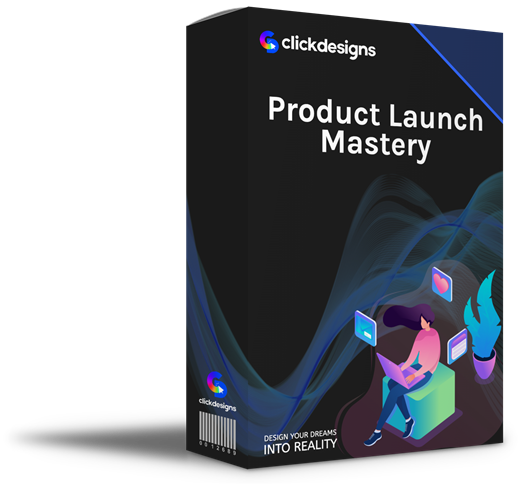
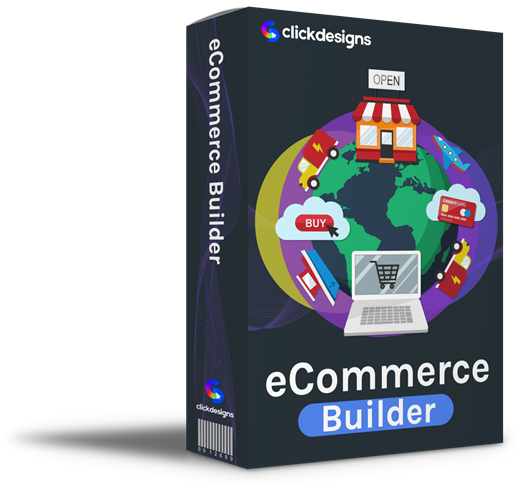
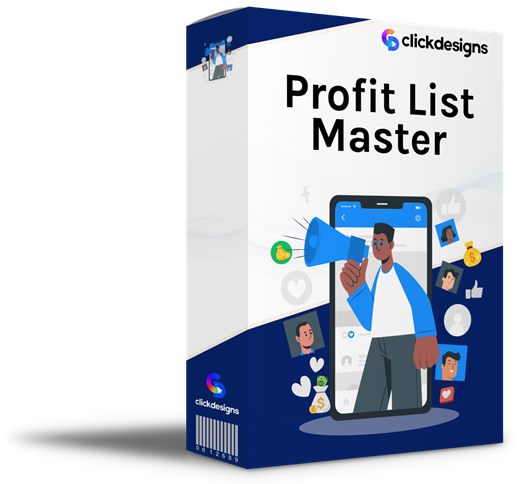
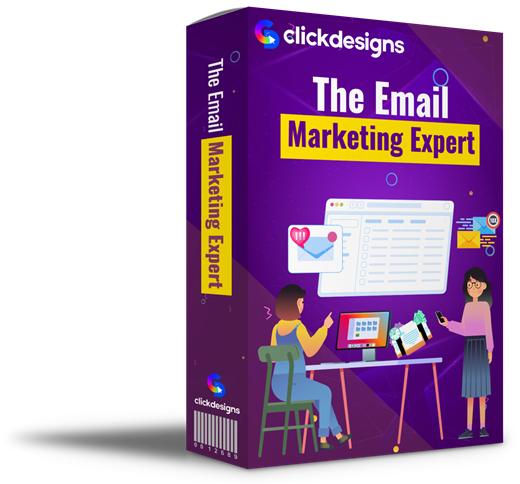
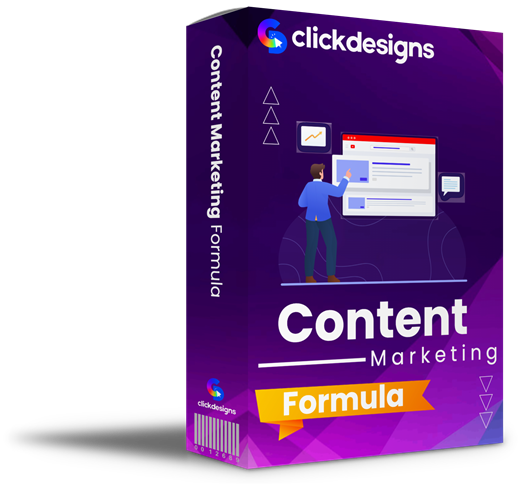
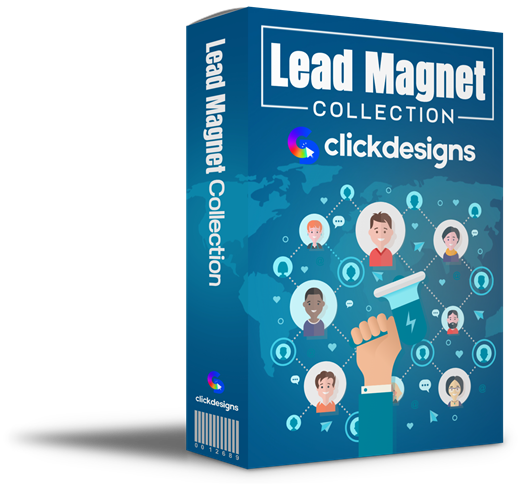
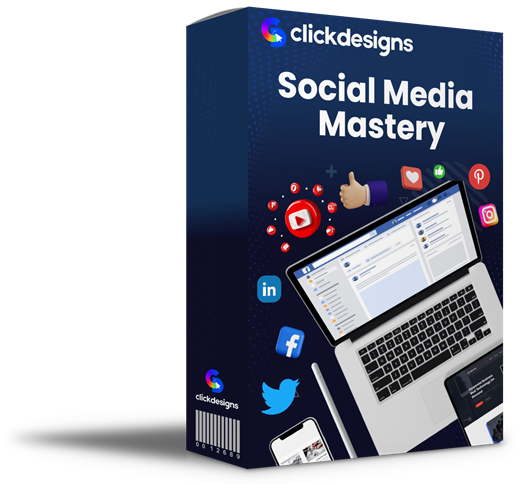
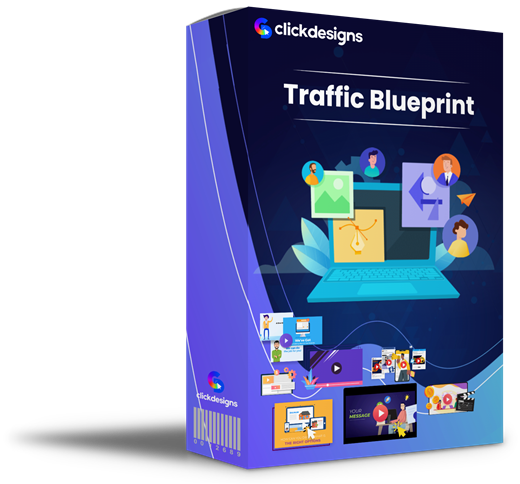
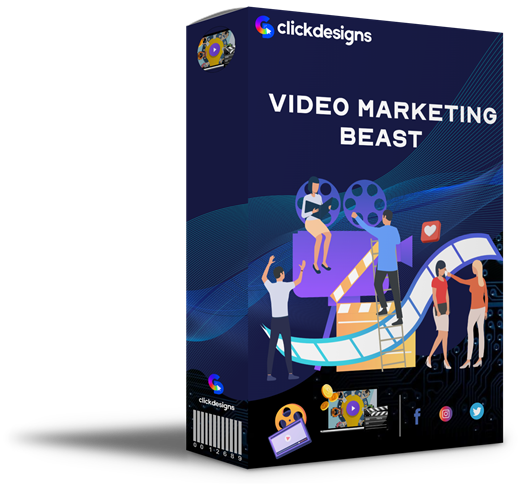
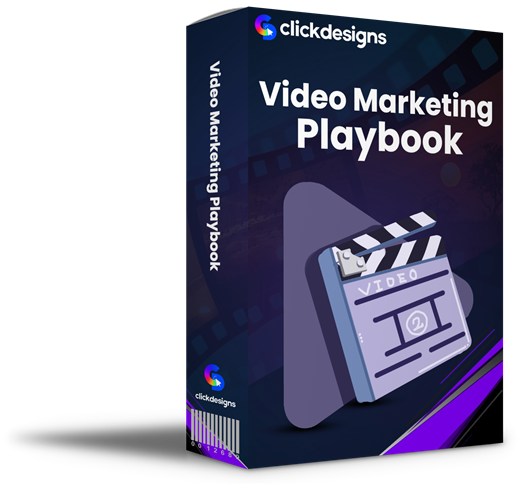
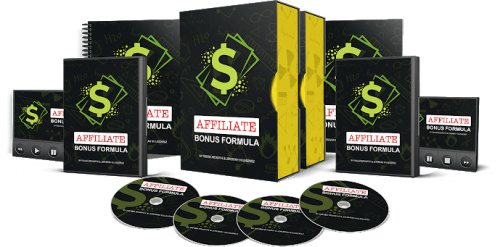
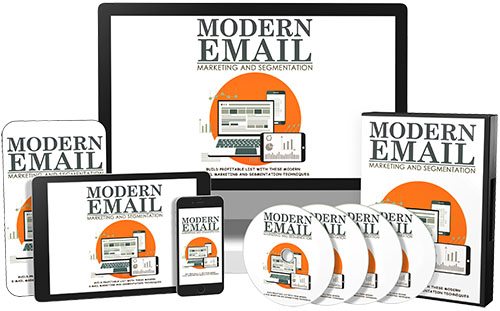
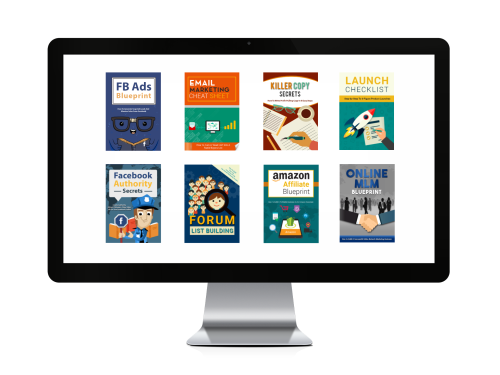
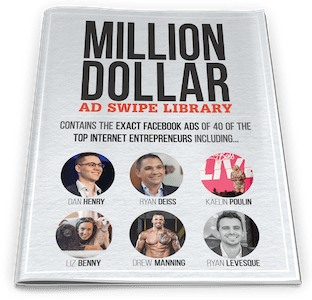
Free Bonuses When You Get ClickDesigns Here
Buy ClickDesigns through my link and you'll automatically get these free bonuses on your receipt.


FAQ
Is ClickDesigns worth it?
If you regularly need product graphics, box shots, covers, device mockups, bundle images, then yes. It does that job faster than doing it by hand and the commercial rights mean one client job can cover the cost. If you want a general design tool, Canva is the better answer and it has a free tier.
Is it really that easy to create designs?
For the template categories, yes. You are swapping content into a layout that already handles the perspective and shadows, so a usable box shot takes a couple of minutes. The limit is not difficulty, it is that you are working inside a template rather than designing freely.
Do I have to install anything?
No. It runs in your browser, so there is nothing to install and it works the same on Windows or Mac.
Who owns the designs I make?
You do. Every plan includes commercial-use rights, so you can use the graphics for your own products or sell them as part of client work.
Are the graphics and photos inside the software free to use?
The included template assets are covered by your licence. If you import your own stock images, the licence on those is still yours to check, so do not assume anything you upload is cleared for commercial use.
Should I buy the upgrades?
Maximizer ($97) is the only one worth considering up front, because it lifts both the template range and the usage caps, which are the front end's real constraints. Mockups ($77) is worth it if photo-realistic user mockups suit what you sell. Design Pages ($97) and Agency ($197) solve problems most buyers do not have yet, so I would wait until you know you need them. All four together take a $47 purchase past $500, so decide before you are in the funnel.

Jonas Nielsen
Marketing software reviewer
I've tested 100+ marketing tools hands-on and publish full demos and honest verdicts on YouTube, where 4,800+ people follow along. I only recommend software I've actually logged into and used myself.

