
CreateStudio Review
The drag-and-drop 2D & 3D animation studio I actually use to make explainer videos, ads and shorts.
Last updated
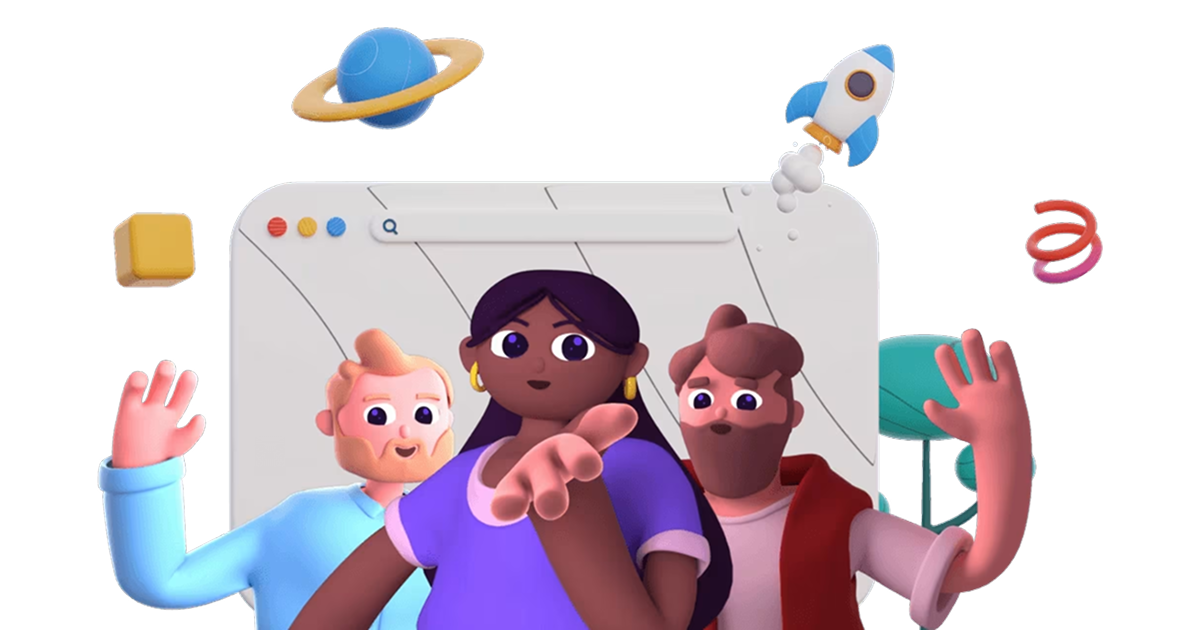
Watch My CreateStudio Review

What is CreateStudio?
CreateStudio is a desktop video-animation studio (Windows and Mac) that lets you make professional 2D and 3D animated videos by dragging and dropping. No motion-design degree required. Think explainer videos, video sales letters, social ads, YouTube intros and short-form content, built from animated characters, text effects, icons and templates. More recent versions bake in AI, including an AI Shorts builder that turns a prompt into a finished short with script, voice-over and visuals.
I've used a lot of video tools, and most fall into one of two camps: dead-simple but generic, or powerful but so complex you give up. CreateStudio is the rare one that lands in the middle. Genuinely beginner-friendly, but with enough depth (3D characters, compositions, blend modes, keyframing) that you don't outgrow it in a week.
Who it's for
CreateStudio earns its keep if you need animated video regularly and currently pay someone else to make it.
Marketers & agencies
Explainers, video sales letters and social ads are the videos that actually move numbers, and they are the ones agencies charge most for. Every plan carries a commercial licence, so one client project pays for the software outright.
Faceless & short-form creators
If you publish YouTube or TikTok content without appearing on camera, animated characters solve the hardest problem you have. The AI Shorts builder turns a prompt into a rough first cut you can then edit.
Who should skip it: if you only need to trim clips, add captions and post, this is far more tool than you need and a basic editor will be faster. It is also desktop-only and fairly demanding, so an older machine will fight you. And if the videos you actually want are doodle or whiteboard style specifically, DoodleMaker is the narrower fit, though a much weaker product overall.
How it works (my hands-on walkthrough)
The workflow is refreshingly quick: start from a template (or an AI prompt), drop in characters and text, arrange everything on a timeline, and export. The 3D characters animate and lip-sync automatically, which is the part that used to take hours in traditional software.
The lip-sync is the feature I would actually pay for. You drop in a voice-over, the character's mouth matches it, and you move on. Doing that by hand is the kind of tedious work that makes people give up on animation entirely. The bundled AI voices are fine for drafts, but for anything customer-facing I export the audio from ElevenLabs and bring it in, which the timeline handles without complaint.
Where it slows down is the 3D side. Once you go past the templates into custom characters, compositions and keyframing, it stops being drag-and-drop and starts being real motion design. That is a fair trade for the ceiling it buys you, but do not expect the advanced features to be as effortless as the marketing suggests. Here's the process step by step.
How CreateStudio Works in 4 Steps
Start From a Template or AI
Pick from hundreds of ready-made templates for ads, explainers and social posts, or describe your video and let the AI builder generate a first draft with script, voice-over and visuals.
Drag, Drop & Customize
Add 2D/3D characters, text animations, icons, images and royalty-free stock. Swap colors, fonts and your logo with brand controls so everything stays on-brand.
Animate on the Timeline
Arrange scenes on a simple timeline. Characters lip-sync automatically to your voice-over, and you can fine-tune with keyframes, blend modes and compositions when you want more control.
Export & Publish
Render in full HD with unlimited exports and a commercial license, then publish straight to YouTube, your VSL, or social. Ready to use for yourself or paying clients.
Key Features & My Honest Take
- Drag-and-drop 2D & 3D animation, no prior design skills neededTrue of the 2D side, where you really can build something usable in your first hour. The 3D side has a genuine learning curve once you leave the templates.
- 3D character builder with automatic lip-syncingThe standout feature and the one I would pay for on its own. Matching a mouth to a voice-over by hand is the tedious job that makes people abandon animation.
- AI video tools, including an AI Shorts builderGood for a first cut, not a finished video. Treat what it produces as a rough draft you then edit and it saves real time. Publish it untouched and it shows.
- Hundreds of pre-built templates for ads, explainers and social contentThe reason you rarely start from a blank canvas. You will start recognising your own templates after a few months, which is the usual trade-off.
- Built-in media library: characters, icons, text effects, images and royalty-free stockDeep enough that you are not hunting for assets on other sites mid-project, which is where video work usually leaks time.
- Advanced editing: compositions, blend modes, track mattes, masking and keyframesThis is what stops you outgrowing it in a month. Most users will never open these, but they are what let you say yes when a client asks for something specific.
- Brand controls to lock fonts, colors and logosA small feature that pays off repeatedly on client work. Set it once and everything you export comes out on-brand without checking.
- Premium AI text-to-speech and one-click AI background removalThe background remover is genuinely good and saves a round-trip to other software. The voices are serviceable for drafts, but I still use a dedicated voice tool for anything a customer will hear.
- Unlimited exports and a commercial-use license on every planThe detail that makes the one-time price add up. A single paid client video covers the entire cost of the software.
Pros
- Genuinely beginner-friendly. You can make a real animated video in your first session
- The auto lip-syncing 3D characters look great and save hours of manual work
- Huge template and asset library means you rarely start from a blank canvas
- AI tools make short-form content fast without cutting quality
- Every plan includes unlimited exports and a commercial license. Great for client work
- 14-day money-back guarantee lowers the risk of trying it
Cons
- Desktop-only software (Windows/Mac). There's no cloud or mobile version, and it can be demanding on older machines
- The $67 lifetime deal is a limited promo. CreateStudio's standard pricing is a yearly subscription, so this one-time offer may not last
- The 3D/advanced features have a mild learning curve if you want to go beyond templates
- Character and template limits are tied to your plan tier
Pricing & Upsells
Here's the part that matters: through my link, CreateStudio is currently a one-time $67 lifetime deal: pay once, use forever, with unlimited exports and a full commercial-use license. On their own site it's normally a subscription starting at $199/year, so the lifetime deal is a big saving while it lasts. Every option is backed by a 14-day money-back guarantee.
- Pay once, use forever. No subscription
- Unlimited video exports
- Full commercial-use license
- 3D character creator with auto lip-sync
- Drag-and-drop editor + doodle & ad creators
- 14-day money-back guarantee
- Standard $199/yr · Platinum $249/yr · All Access $299/yr
- Billed annually or monthly
- Same core editor; characters & templates by tier
- Only worth it if the lifetime deal has ended
My take: the $67 one-time lifetime deal through my link is a no-brainer next to paying $199+ every year. It's the same software, but you pay once and own it. Grab the lifetime deal while it's still being offered; if it's gone by the time you're reading this, the annual All Access plan is the one worth having.
My Verdict for CreateStudio
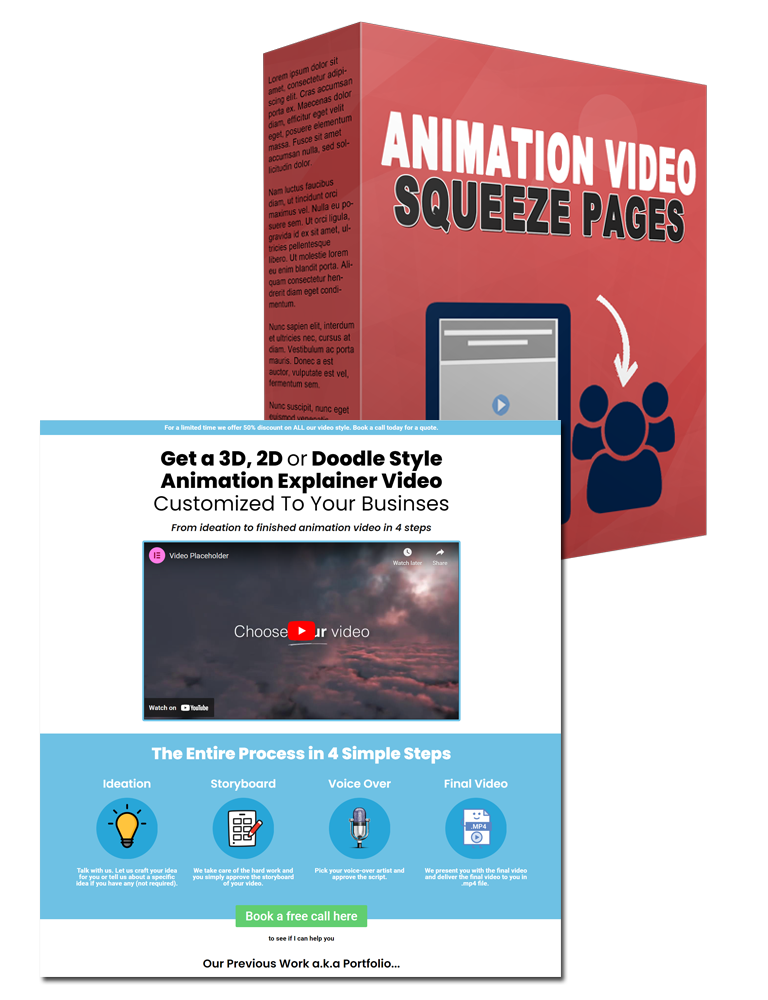
Free Bonuses When You Get CreateStudio Here
Buy CreateStudio through my link and you'll automatically get these free bonuses on your receipt.
FAQ
Is CreateStudio worth it?
If you want to make animated explainers, ads or short-form video without hiring an animator, yes. It hits a rare balance of easy-to-learn and genuinely capable, and the commercial license on every plan makes it easy to earn back the cost with client work.
Do I need design or animation skills?
No. You can build a professional video from templates and drag-and-drop assets on day one. The advanced 3D and keyframing tools are there when you want them, but they're optional.
Is it cloud-based or a download?
It's desktop software for Windows and Mac. You install it and it runs locally, which is part of why the animation performance is so smooth. There's no browser or mobile version.
Is there a free trial or refund?
The All Access plan offers a free trial, and every plan is backed by a 14-day money-back guarantee, so you can try it risk-free.
Can I use the videos commercially?
Yes. Every plan includes a commercial-use license and unlimited exports, so you can create videos for your own business or for paying clients.

Jonas Nielsen
Marketing software reviewer
I've tested 100+ marketing tools hands-on and publish full demos and honest verdicts on YouTube, where 4,800+ people follow along. I only recommend software I've actually logged into and used myself.

